
To connect Microsoft Office 365 mailbox to our warmup tool, you can follow these steps:
Step 1:
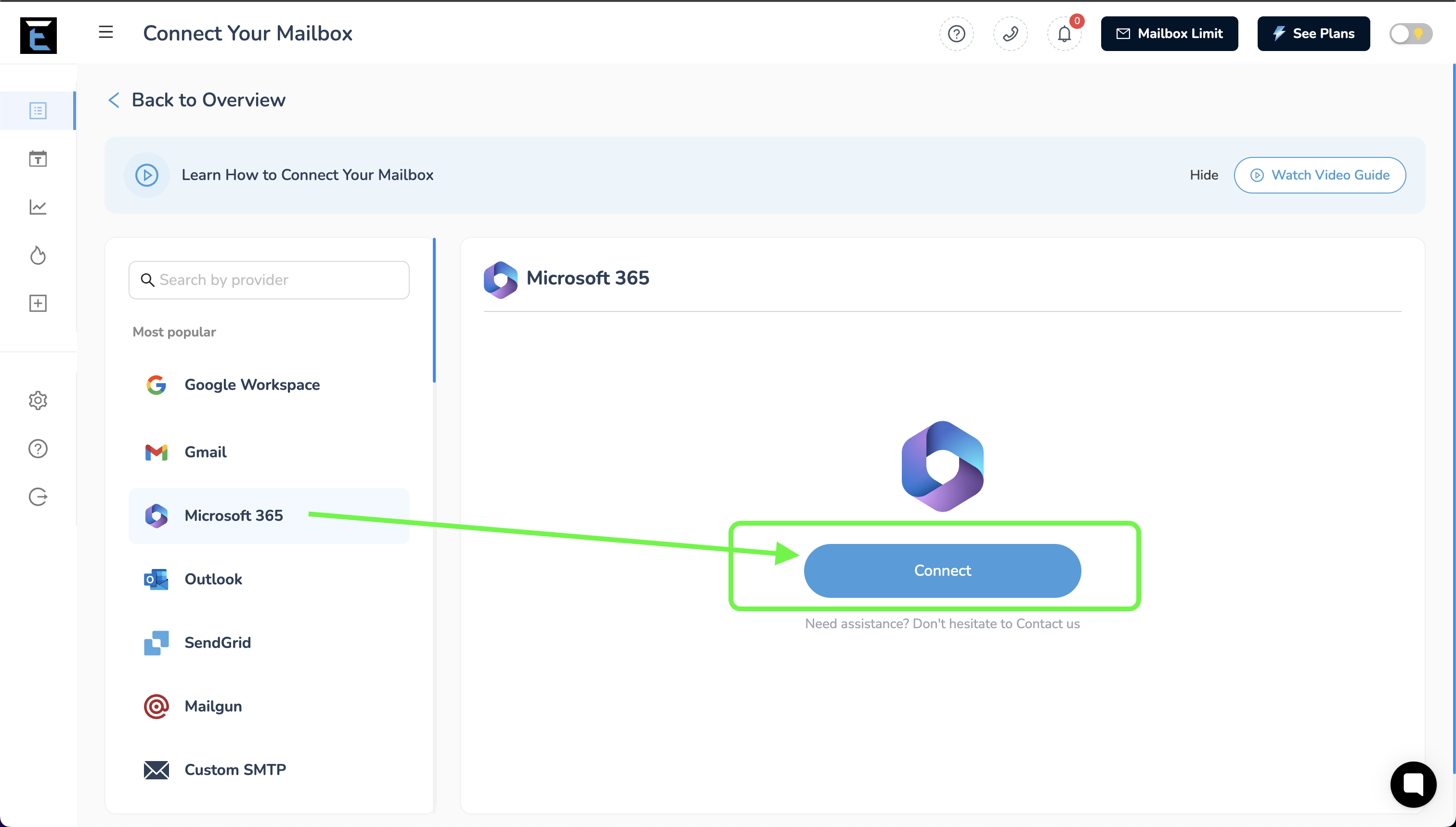
You will then be redirected to the Microsoft Office 365 login page. Proceed to your Microsoft Office 365 mailbox and connect to E-Warmup.
Note:
SMTP AUTH must be enabled both at the organization level OR per individual mailbox:
Enable per Mailbox:
Go to the Microsoft 365 Admin Center.
Navigate to Users > Active users and select the target user.
Click the Mail tab, then select Manage email apps.
Check the box for Authenticated SMTP and save changes.
Enable Globally (Organization-wide):
Open the Exchange Admin Center (EAC) or go to Mail Flow settings under Settings and ensure the Turn off SMTP AUTH protocol for your organization toggle is turned off/disabled.